TL;DR — Quick answer and recommendation
AI narrator voices let creators publish faster and localize content without hiring voice actors. This guide focuses on AI voice-over TikTok workflows, tool tradeoffs, pricing, and free trials so you can test options quickly.
You'll get a clear, simple explainer of neural TTS (neural text-to-speech) and voice cloning. It shows how these systems turn text or a short sample into lifelike narration.
The guide includes a step-by-step TikTok workflow, a compact comparison of popular tools, and short creator case studies. There's also an ethics and privacy checklist to help you publish responsibly.
Read this if you want to scale narration, cut localization costs, and pick a trial-worthy tool fast. It helps you judge voice quality, languages, and export options quickly.
Why AI narrator voices are exploding on TikTok & Instagram
Short-form platforms reward fast, clear storytelling, so creators need quick audio workflows. Many creators use AI voice-over on TikTok to narrate clips they publish in minutes. A 2025 survey confirms this trend. According to
Consumers pick quick videos as top creator format (2025), 63% of global social media users prefer short videos from creators.
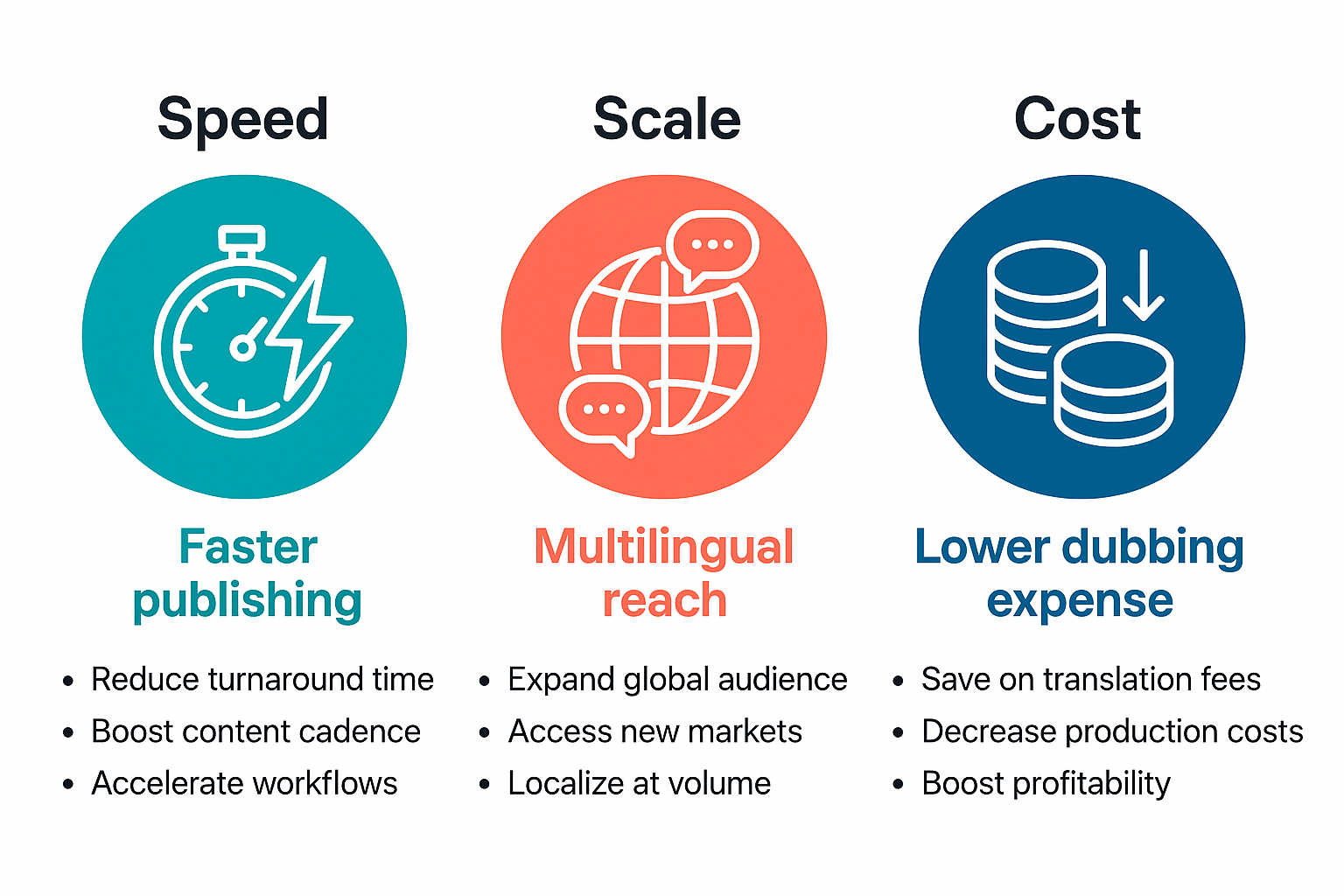
Three drivers behind rapid adoption
-
Speed: AI turns a script into a polished voiceover in moments, so creators can post more often.
-
Scale: Neural text-to-speech (TTS) and cloning let creators republish a single video in many languages.
-
Cost: Automated dubbing cuts the price of multi-language voice work compared to hiring actors.
Why creators pick AI over live voiceovers
Creators choose synthetic voices for consistency, faster edits, and easier localization. Teams keep a single brand voice across dozens of clips. Small creators get enterprise-style localization without a big budget. AI also makes late-stage changes simple, you edit text and export a new track.
Common quality and authenticity objections
-
“It sounds robotic” — modern neural TTS models use prosody and emotion, so voices sound natural.
-
“Will my audience notice?” — short clips mask tiny artifacts, and good styling hides them.
-
“Is cloning ethical?” — consent and clear disclosure solve most concerns.
How neural TTS and voice cloning actually work (simple explainer)
If you're exploring ai voice over tiktok, here is a simple look at how the tech works. Neural TTS (text-to-speech) converts written text into speech using deep learning models trained on recorded voices. Voice cloning builds a compact model of a real speaker from a short sample, so creators can keep one consistent voice across languages.
How neural TTS makes speech
Neural TTS learns patterns in recordings: tone, timing, and pronunciation. During training the model maps text to acoustic features, then generates waveforms at inference time, producing natural prosody and pauses. The result sounds far more human than old concatenative or rule-based systems.
How voice cloning captures a person
Voice cloning extracts a speaker embedding from a short sample and conditions the TTS model on that embedding. With enough clean, varied audio the clone can match timbre and style, and it can read translated text in other languages. But cloning needs good input audio and model capacity to sound convincing.
Quality varies between tools for a few clear reasons:
-
Training data size and diversity
-
Length and clarity of the sample voice
-
Model architecture and fine-tuning options
-
Language and accent coverage
-
Editing controls for prosody and pauses
Why DupDub is a great fit for TikTok creators
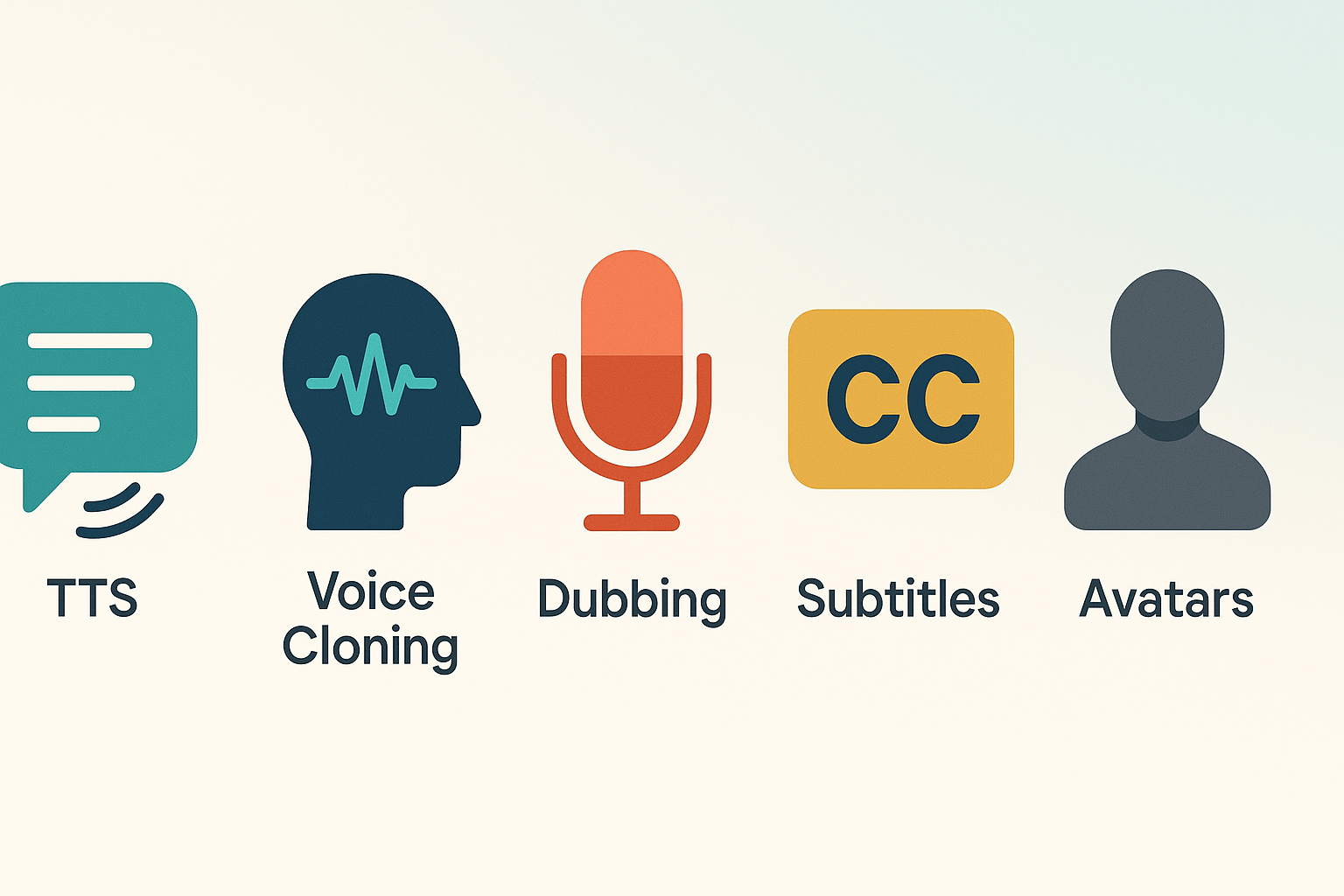
DupDub bundles fast text-to-speech, voice cloning, dubbing, avatars, and subtitle alignment in one browser tool. If you want quick, consistent narration for short social clips, DupDub covers the main workflow for ai voice over tiktok creators: write, clone or pick a voice, auto-sync captions, and export for Reels or TikTok.
Fast, all-in-one toolkit creators need
You get the building blocks creators care about. DupDub supports 90-plus TTS languages and voice cloning across 47 languages, so your voice can sound native in many markets. Exports include MP3, WAV, and MP4, plus SRT subtitles for platform-ready uploads. Key features at a glance:
-
AI Dubbing and video translation with subtitle alignment
-
700+ TTS voices and 1,000-plus styles for tone control
-
30-second voice cloning and locked voice security
-
Browser studio for recording and quick edits
Pricing snapshot and export options
There’s a 3-day free trial with starter credits and no credit card. Paid tiers scale from Personal to Ultimate, and there’s pay-as-you-go credit packs if you want one-off projects. Personal and Professional plans add more credits, cloned voices, and larger file limits. DupDub also integrates with common editors and supports API automation for teams.
Want to learn the tech behind the voices? See the Neural TTS cluster for deeper reading, and check DupDub’s trial and pricing pages to test it yourself.
Step-by-step: Create a TikTok-ready AI voiceover with DupDub
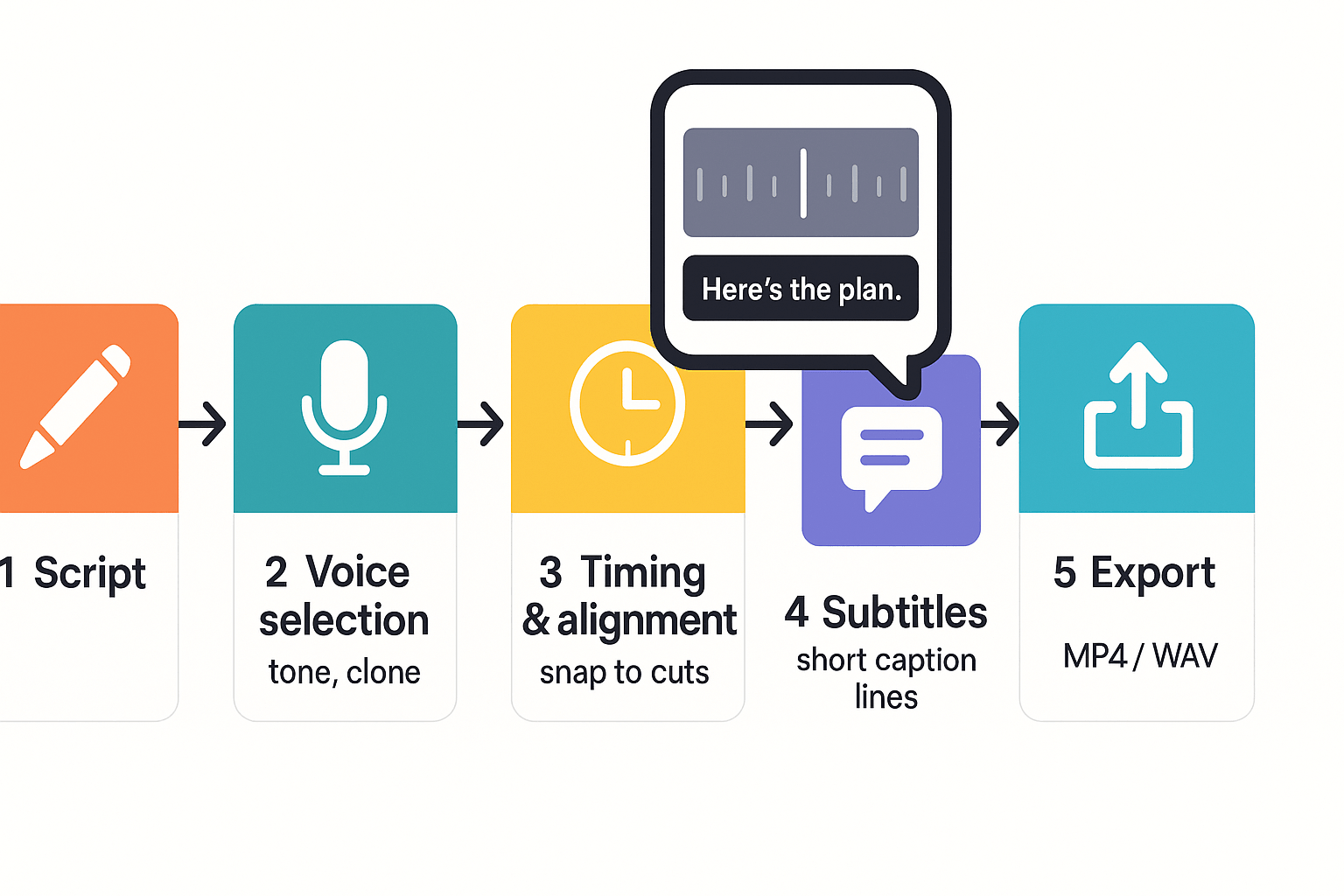
Start fast: this workflow gets you from script to vertical-ready audio in minutes. It covers writing a short hook, choosing voice and style, lining audio to your edit, adding captions, and exporting the right file. Use this to speed publishing and keep the narration feeling real for viewers searching for ai voice over tiktok.
1. Write a punchy script and hook
Keep the whole script 15 to 45 seconds for most TikTok hooks. Lead with a one-line hook that promises value in the first 1 to 3 seconds. Write as you’d speak: short sentences, one idea per line.
Tips:
2. Pick a voice, tone, and speed
Choose a voice that matches your brand: friendly, authoritative, or playful. Select a speaking style (casual, announcer, empathetic) and set speed to 0.95–1.05 for a natural rhythm.
Tips:
3. Align audio to your vertical edit
Upload your clip and use DupDub’s alignment tools to snap lines to the edit. Nudge word timing by 0.05 to 0.2 seconds for tight lip-sync and visual punch.
Tips:
4. Add subtitles and quick QA
Auto-generate subtitles, then trim lines to 1–2 short phrases per caption. Check reading speed: viewers need 150–250 wpm per caption chunk.
Tips:
5. Export the right file
Export MP4 for a final video or WAV/MP3 at 44.1 kHz for separate audio. Choose MP4 when captions are burned, or WAV when you’ll re-edit audio.
Tips:
Side-by-side comparison: DupDub vs common competitors
This quick comparison shows where each tool wins for short social clips and scaling. If you want to create AI narrator audio fast for TikTok, knowing strengths and limits helps pick the right tool.
Quick comparison table
|
Product
|
TTS quality
|
Voice cloning (limits)
|
Languages
|
Export formats
|
Trial / free tier
|
|
DupDub
|
High, many natural styles
|
3 clones (Personal), up to 10 (Ultimate)
|
90+ TTS, 47 for cloning
|
MP3, WAV, MP4, SRT
|
3-day free trial, no card
|
|
ElevenLabs
|
Very high, voice realism focus
|
1-3 clones typical, advanced pros tier
|
50+
|
MP3, WAV
|
Free tier with limits
|
|
Murf AI
|
Good studio voices, many styles
|
Limited cloning, add-on
|
20+
|
MP3, WAV
|
Free trial available
|
|
Play.ht
|
Solid TTS variety
|
Clone options on higher plans
|
60+
|
MP3, WAV
|
Free tier with samples
|
|
Synthesia
|
Avatar-led, good dubbing
|
Voice cloning limited, avatar focus
|
120+ interface languages
|
MP4 video
|
Free demo on request
|
Which tool fits your use case
-
Quick creator edits: Pick a platform with an easy web studio and a short free trial. DupDub and Murf are fast for one-off TikTok voiceovers.
-
Enterprise localization: Choose a vendor with wide language coverage and export control. DupDub and Synthesia scale well for video teams.
-
Rapid multilingual repurposing: Look for cloning plus bulk TTS and subtitle export. DupDub's mix of 90+ languages and SRT export fits this need.
Pricing and accessibility snapshot
DupDub plans give clear entry points: a free 3-day trial with starter credits, Personal at about $$11 per month billed annually, Professional at$$30, and Ultimate at $110. Pay-as-you-go credits are also available for one-off projects. For creators, compare trial limits and clone counts before committing to a plan.
Ethical, legal and privacy checklist for creators using AI voices
Using AI voices can speed production, but they bring real legal and ethical risks. If you plan to use ai voice over tiktok, follow this checklist to protect yourself and your audience. It covers consent for voice cloning, platform rules, and practical ways to reduce misuse.
Get clear consent for voice cloning
Always get written consent from the speaker before cloning a voice. Describe how the clone will be used, which languages, and how long you will keep recordings. Keep signed copies and time-stamped audio files.
Check platform and copyright rules
Check platform labeling rules: according to
TikTok Support Center, TikTok requires creators to label all AI-generated content that contains realistic images, audio, and video. Also verify music and third party content rights before dubbing.
Practical steps to reduce misuse
-
Limit sharing of raw voice samples and encrypted backups.
-
Add short on-screen or spoken disclosure when a synthetic voice is used.
-
Prefer synthetic voices for narration when consent is unclear.
-
Use platform content flags and follow takedown policies.
Recordkeeping and escalation
Log consent, version history, and edits. If in doubt about commercial use, consult legal counsel. Good records reduce risk and make disputes easier to resolve.
Real creator mini case studies & quick testimonials
Two brief wins show practical outcomes for creators using ai voice over tiktok workflows, and they map to real publisher goals: faster output, better reach, and a stable brand tone. Below are two compact stories you can copy into your workflow.
Repurpose long-form into viral shorts
A micro creator turned a 20 minute episode into six TikTok-ready clips in one afternoon. They used DupDub to transcribe, select highlights, and create native-sounding narration for each cut. That let them publish more often, with fresh voiceovers synced to each clip. The team said it cut editing friction and kept viewer attention higher than silent clips with captions.
Localize once, publish everywhere
An instructional brand localized a course into Spanish and French without re-recording on site. They cloned a neutral speaker voice, translated scripts, and exported dubbed videos with aligned subtitles. The result was faster market entry and clearer messaging for new regional audiences.
"Using synthetic voices let us sound local fast, without losing our brand tone," says Ana Vega, marketing lead.
Key takeaways:
-
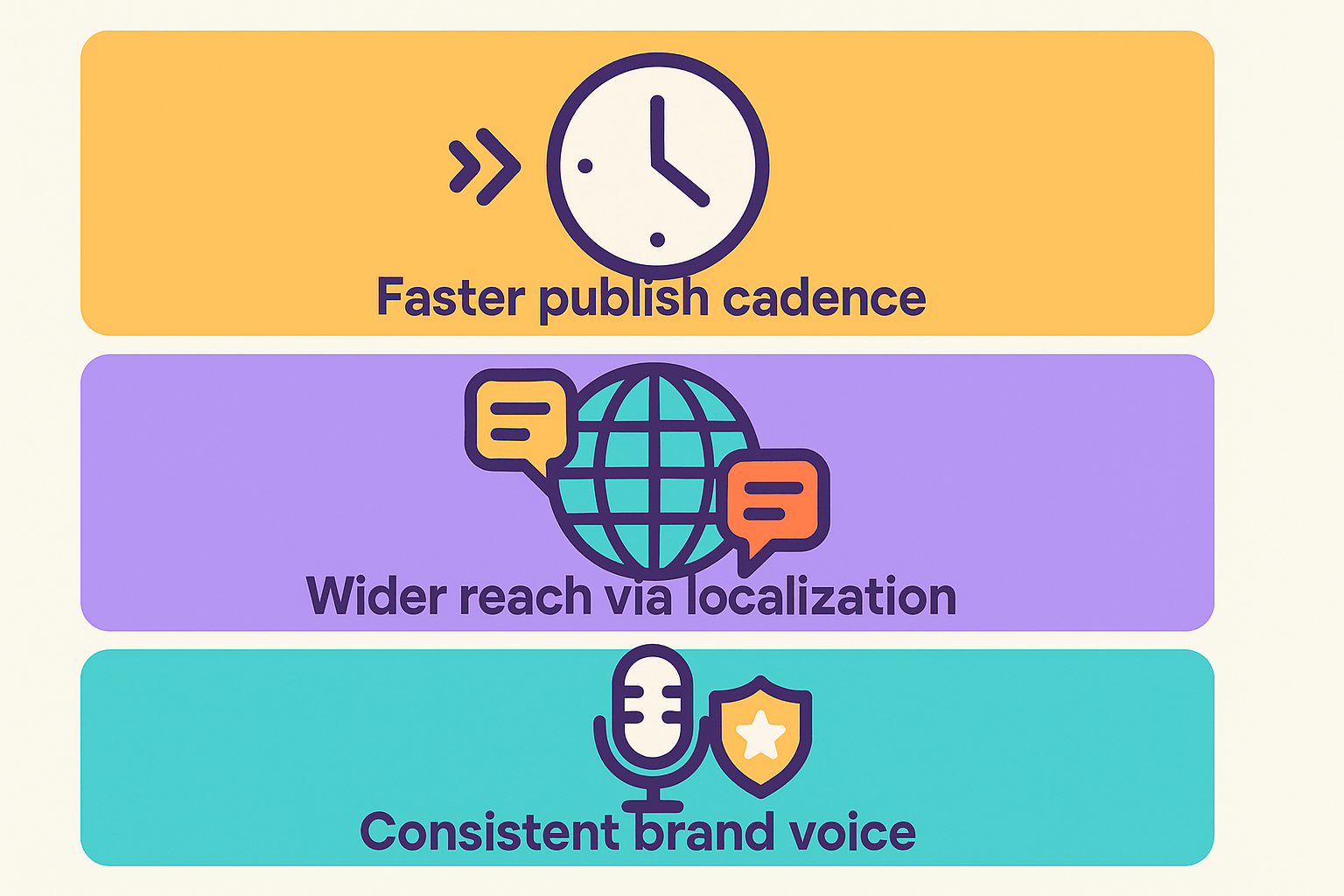
Faster publish cadence: batch-produce voiceovers in hours, not days.
-
Wider reach via localization: access new audience segments with minimal lift.
-
Consistent brand voice: cloned voices preserve tone across languages.
FAQ — common creator questions about AI voiceovers on TikTok
-
Can I clone my voice for TikTok AI voice over?
Yes. DupDub can create a voice clone from about 30 seconds of clear audio. You must provide consent before creating a clone, and cloned voices are locked to the original speaker with encrypted processing for added security.
-
What is the recommended script length for TikTok AI voiceovers?
Aim for 15 to 45 seconds per clip. Keep sentences short and focused on one idea at a time. For videos with multiple scenes, split narration into 10 to 20 second segments to maintain natural pacing and viewer retention.
-
Are DupDub AI voiceovers compatible with TikTok uploads and captions?
Yes. You can export audio as MP3 or full videos as MP4, along with SRT subtitle files for captions. Upload the MP4 directly to TikTok or add the exported audio in your preferred editor before publishing.
-
How does pricing and the free trial work for AI voice over TikTok creators?
DupDub offers a 3-day free trial with starter credits and no credit card required. Paid plans include Personal ($11/month billed annually), Professional ($30/month billed annually), Ultimate ($110/month billed annually), plus pay-as-you-go credit options for flexible usage.




 Discord
 YouTube
 Tiktok
 Twitter
 Facebook
 Instagram