


-
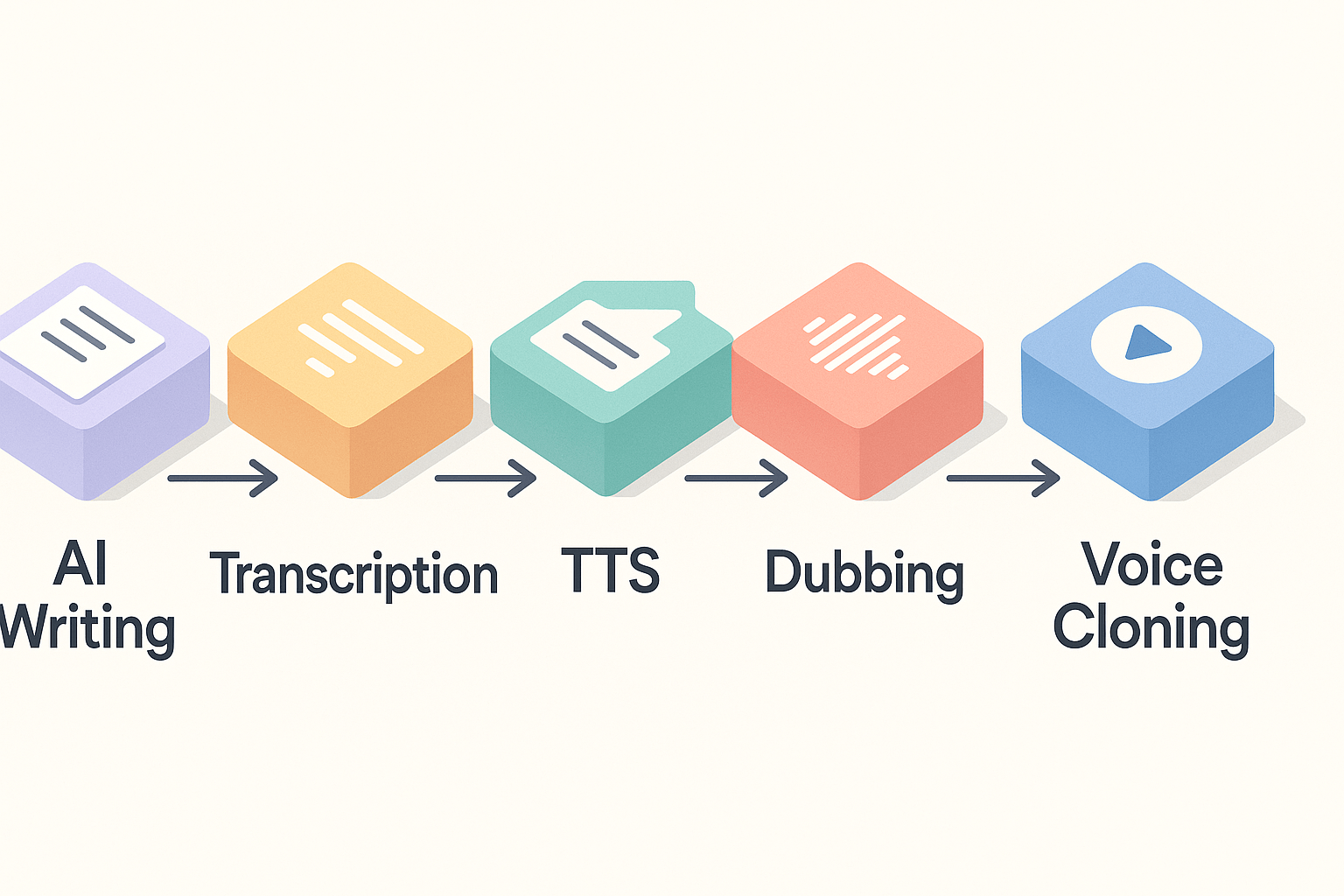
Integrated workflow: write, transcribe, then preview TTS or dubs without exports.
-
Multilingual voices and subtitles let you test localization quickly.
-
No credit card required for the short trial, so you can experiment fast.
-
Dedicated writing assistants often produce stronger long-form drafts.
-
Starter credits limit long projects on the free tier.
-
Advanced voice styles, controls, and enterprise features require paid plans.
Why 'best free AI writing assistant online' matters in 2026
What people are really looking for
-
Output quality: clear, accurate drafts and prompts that need little human editing. This includes tone control and script-ready dialogue.
-
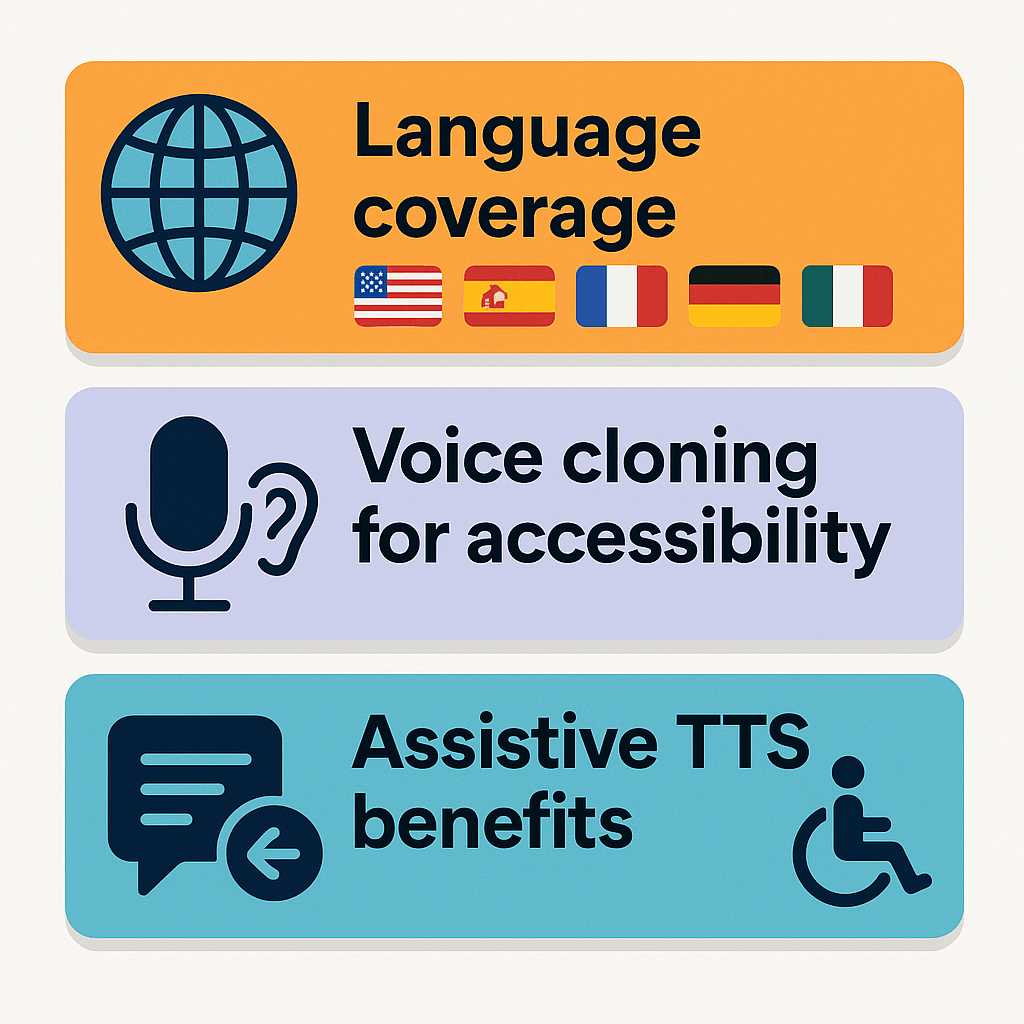
Language coverage: broad support for writing, speech-to-text, and text-to-speech in the languages you publish in.
-
Exports and formats: Markdown, DOCX, SRT, MP3, WAV, and MP4 so content moves between editors and platforms.
-
Multimedia handoffs: one-click transcript to script flows, subtitle alignment, and dubbing or TTS export for video.
-
Limits and transparency: visible credit usage, file size rules, and clear free-tier caps so creators can plan workflows.
-
Ethics and policy: explicit copyright, voice-clone consent, and data handling rules that protect creators and subjects.
-
Integrations and automation: APIs, browser plugins, and CMS or platform links for fast publishing.
How those criteria shape our tests
What you get in DupDub's free writing assistant (feature tour)
Core writing features you can use right away
-
Drafting: Generate outlines, blog drafts, video scripts, and social captions in seconds. Pick tone and length, then refine.
-
Rewriting and polishing: Paste rough copy, then choose rewrite, shorten, or expand. The assistant keeps context so scripts stay consistent.
-
Summarizing: Turn long interviews or lectures into 1-paragraph summaries or bulleted highlights for descriptions or show notes.
-
Script mode: Script-focused formatting with timestamps and cue notes. It’s built for creators who repurpose audio or video.
-
Multilingual writing: Produce drafts in 90-plus languages, useful if you plan localized TTS or subtitles.
Tight integrations, so text becomes publish-ready
-
Transcription (speech-to-text): Upload audio or paste a YouTube link to auto-generate editable transcripts and subtitles that export to AI Writing.
-
Text-to-speech: Pick from dozens of voices and languages, then export high-quality MP3 or WAV for podcasts and voiceovers.
-
AI dubbing and subtitle alignment: Translate, dub, and revoice videos with synced subtitles and one-click export to MP4 and SRT.
-
Voice cloning: Create a multilingual clone from a short sample, then test it on a script draft.
-
File export: Save writing as Markdown, DOCX, or TXT. Export subtitles as SRT, and audio as MP3 or WAV.
What the free trial includes and what to test
-
Day 1, rapid drafting: Create an outline and a 2-minute video script. Polish with rewrite tools. Export a DOCX.
-
Day 2, transcript to script: Upload a short podcast clip, transcribe it, and import the transcript into AI Writing for a repurposed script.
-
Day 3, localize and publish: Generate TTS for one language, export an MP3, and create subtitles for the same video.
Hands-on workflow: From idea to localized content with DupDub
Quick process map
-
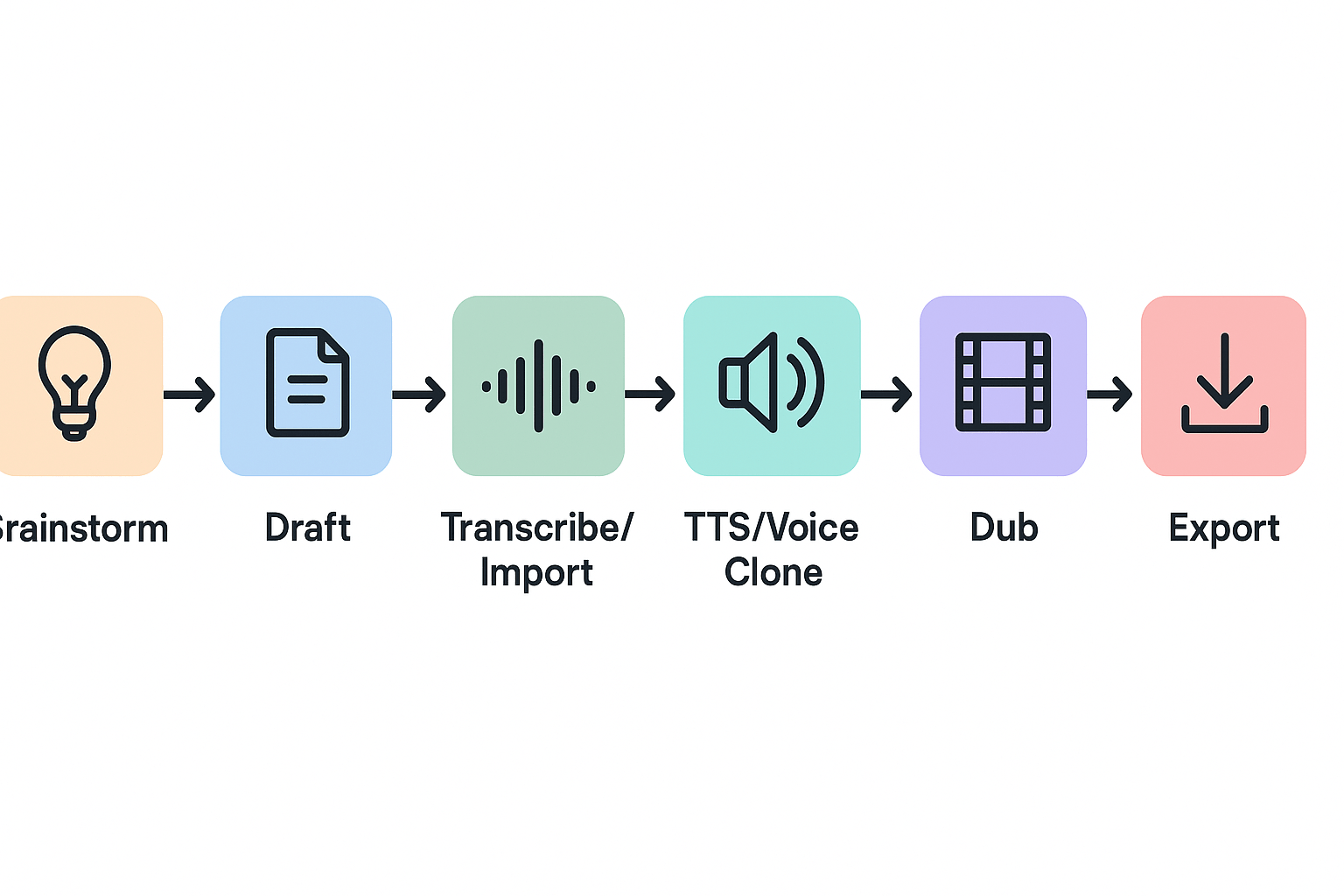
Brainstorm and outline in AI Writing.
-
Draft and polish scripts.
-
Import or transcribe audio/video.
-
Generate TTS or create a voice clone.
-
Create dubbed video and subtitles.
-
Export localized assets.
1) Brainstorm and outline, fast
2) Draft and polish scripts
3) Import or transcribe audio and video
4) Generate TTS or create a voice clone
5) Dub and sync subtitles
6) Export localized assets
-
Listen for pronunciation errors in the target language.
-
Check voice clone fidelity and consent locks.
-
Verify subtitle timing across devices.
Final tips for the three-day trial
Head-to-head: DupDub free tier vs top free alternatives
Quick snapshot
|
Tool
|
Free limits
|
Language support
|
Voice options
|
Export types
|
|
DupDub (free trial)
|
3-day trial, 10 starter credits
|
TTS 90+ languages, STT 40+
|
700+ voices, voice cloning
|
MP3, WAV, MP4, SRT, DOCX
|
|
ElevenLabs (free)
|
Small monthly quota
|
Strong English, some multilingual
|
High-fidelity English voices
|
MP3, WAV
|
|
Murf (free)
|
Limited minutes per month
|
20+ TTS languages
|
Many commercial voices
|
MP3, WAV, SRT
|
|
Play.ht (free)
|
Trial credits
|
60+ languages
|
200+ voices
|
MP3, WAV, SRT
|
|
Synthesia (free demo)
|
Short demo videos
|
60+ subtitle languages
|
Avatars, TTS voices
|
MP4, SRT
|
When to pick DupDub
When a rival makes more sense
Practical scenarios and trade-offs
-
Quick multilingual podcast clip: DupDub, because transcription, cloning, and TTS sit together.
-
Studio-grade English narration: ElevenLabs for voice fidelity.
-
Fast e-learning voiceover with low cost: Murf or Play.ht for steady free minutes.
Verdicts by creator profile
-
YouTubers who repurpose videos globally: DupDub gives the best free end-to-end path from script to dubbed video.
-
Podcasters who need natural-sounding English reads: lean ElevenLabs.
-
Small teams on a budget who need TTS only: Murf or Play.ht fit until you scale.
Accessibility, language support, and non-English workflows
Language coverage and what it means
Practical tips for multilingual projects
-
Start with a base script in simple language. Short sentences cut errors in translation and dubbing.
-
Use DupDub’s one-click subtitle translation, then manually check timecodes and line breaks.
-
For voice consistency, clone a short sample and reuse that clone for the whole series.
-
Test regional accents: a native reviewer should confirm phrasing and idioms.
-
Export SRT and review in your video editor before final render to catch overlap or truncation.
Accessibility gains and limits
Ethics, copyright, and AI-detection — what creators should check
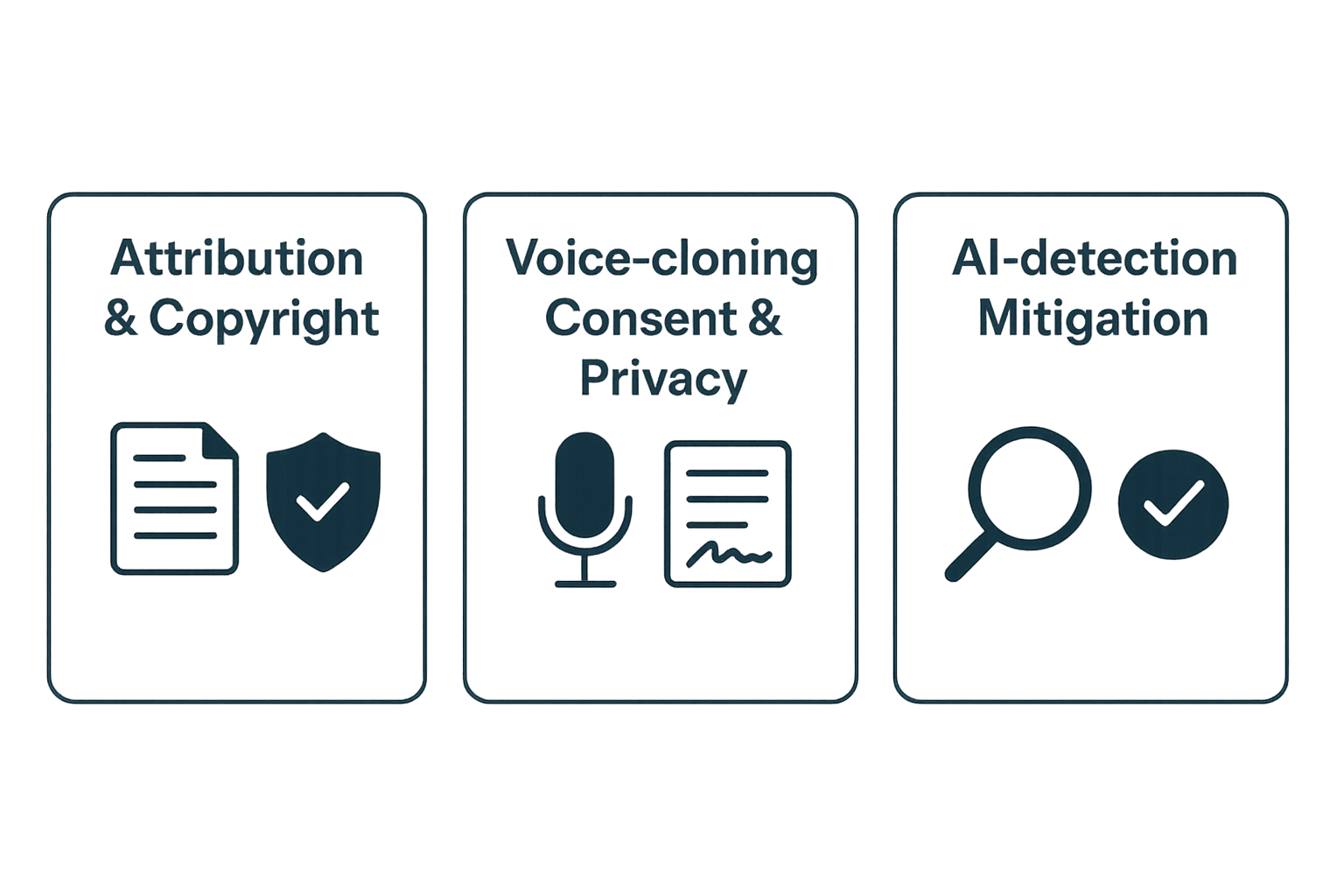
Attribution and copyright checks
-
Verify originality: run a short plagiarism and quotation check. Treat matches as drafts, not finished text.
-
Add attribution: note tool-assisted generation in descriptions or captions.
-
Keep source records: save prompts, model names, and generation timestamps.
Voice cloning: consent and privacy
-
Use a consent form that lists languages, platforms, and duration.
-
Keep the 30-second sample and consent paired in secure storage.
-
Disable sharing or reuse without renewal.
AI-detection and reducing false authorship claims
-
Editing generated text heavily, adding unique examples and sources.
-
Recording provenance: keep prompt logs and revision notes.
-
Avoiding verbatim reuse of copyrighted text.
Pricing, upgrade paths, and ROI for creators
What to test in the 3-day trial
-
AI Writing: generate an outline, draft a script, then polish for tone and length. Check export to Markdown or DOCX.
-
Transcription: upload a clip or paste a YouTube link. Verify timestamps and editable text.
-
TTS and voices: try multiple voices, accents, and Ultra styles to match your brand.
-
Voice cloning: make a 30 second clone and say a short line in another language.
-
Dubbing and subtitles: auto-translate and check alignment in the editor.
-
Integrations and exports: export MP4/MP3/SRT and confirm file size limits.
Which paid tier fits when
|
Plan
|
Monthly price billed annually
|
Yearly credits
|
Notable limits
|
|
Free
|
$0 (3-day trial)
|
10 starter credits
|
Trial-only quick tests
|
|
Personal
|
$11
|
1,800 yearly credits
|
~25h Std TTS, 3 voice clones, 10,000 words/file
|
|
Professional
|
$30
|
6,000 yearly credits
|
~83h Std TTS, 5 clones, 30,000 words/file
|
|
Ultimate
|
$110
|
30,000 yearly credits
|
Large scale, unlimited file sizes
|
Upgrade triggers and path
-
Move from trial to Personal when you need regular weekly TTS or transcription.
-
Upgrade to Professional when you localize many videos per month or need more voice clones.
-
Choose Ultimate for enterprise scale or heavy batch exports.
Quick ROI example for a small YouTuber or course creator
FAQ — Common 'People Also Ask' questions
-
Is DupDub truly free and the best free ai writing assistant online for creators?
Short answer: you can try DupDub free for three days with no credit card and 10 starter credits. The free trial gives access to AI Writing plus basic TTS, transcription, and dubbing credits so you can test a full text-to-multimedia workflow. See the Pricing and Feature Tour sections above for limits and upgrade paths.
-
Can DupDub translate and dub videos for multilingual publishing?
Yes. DupDub can transcribe audio, translate subtitles, and apply synchronized dubbing (voice translation) to video. Typical steps are: transcribe, translate/subtitle, choose a voice or clone, then render. See the Hands-on workflow section for an end-to-end example.
-
Is voice cloning in DupDub safe for creators and how is it controlled?
DupDub locks cloned voices to the original speaker and uses encrypted processing. Always get explicit consent before cloning a real person. Use voice cloning for branding and accessibility, and keep samples short (30 seconds) to avoid drift.
-
What export formats does DupDub support for audio, video, and text?
DupDub exports MP3 and WAV for audio, MP4 for video, SRT for subtitles, and DOCX/TXT/Markdown for writing. That makes it easy to move assets into editing tools, course platforms, or YouTube.
-
How does DupDub’s AI writing compare to ChatGPT for drafting scripts and long-form content?
DupDub’s AI writing is GPT-powered and tuned for creator workflows, with one-click exports to transcription, dubbing, and TTS. For raw ideation or deep research, ChatGPT can be strong. For publishing-ready, localized multimedia, DupDub shortens the path from draft to dubbed video.
-
Will DupDub work for non-English workflows and accessibility needs?
Yes. DupDub supports 90+ TTS languages and accents, 40+ STT/subtitle languages, and voice cloning across many languages. It also auto-generates subtitles and offers accessible audio alternatives, so it’s useful for global audiences and learners.
-
What copyright, ethics, and AI-detection checks should creators run before publishing?
Do these basics: verify you own or licensed source audio/video, get consent for any cloning, disclose synthetic voices when required, and run originality checks if your platform flags AI content. See the Ethics and Copyright section for a checklist and sample disclosure language.

 Discord
 YouTube
 Tiktok
 Twitter
 Facebook
 Instagram