


What is DupDub and why consider it as a Narakeet alternative?
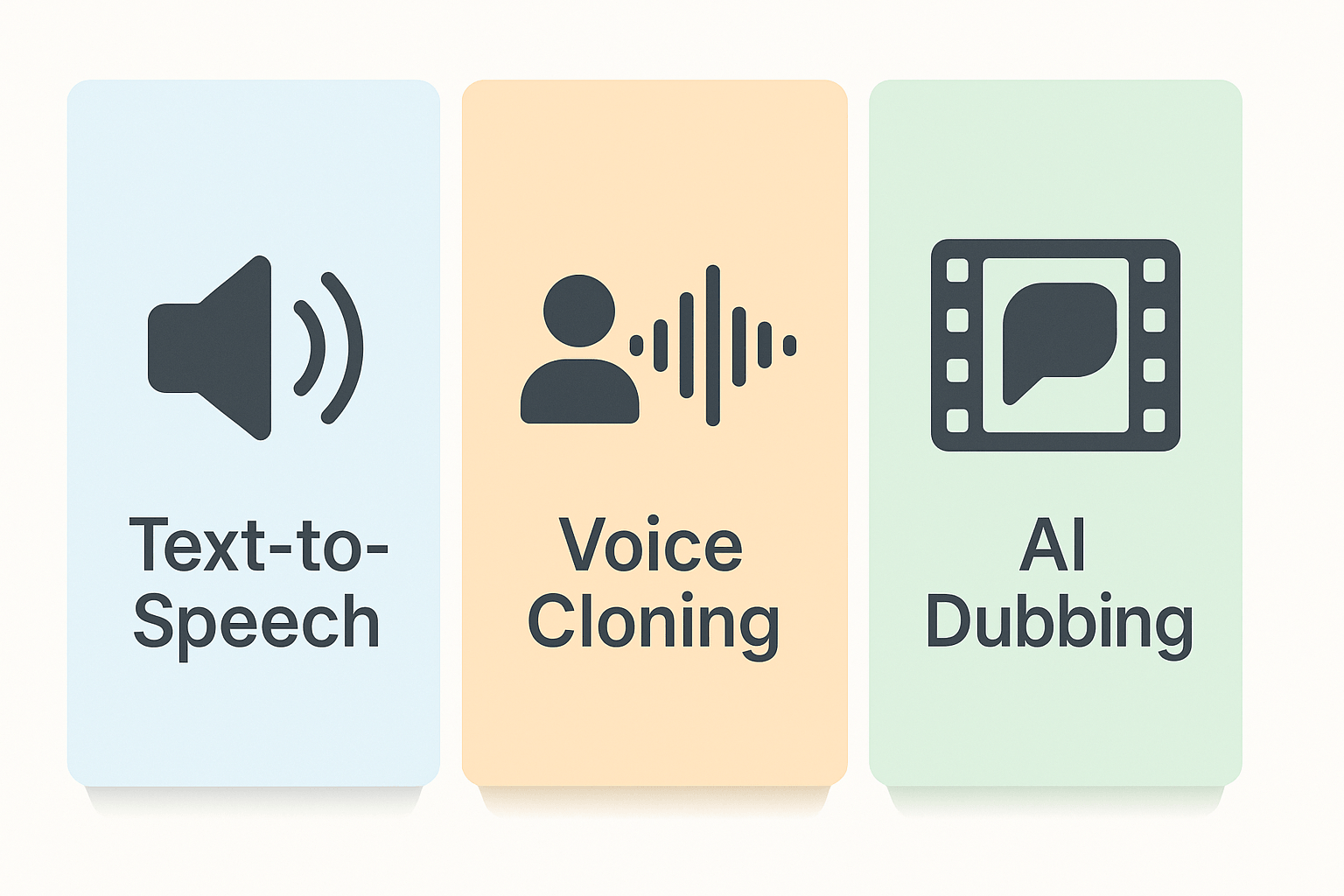
Core use cases
-
Localization: translate and dub video with synced subtitles and aligned audio.
-
Narration and e-learning: produce consistent course voiceovers and lesson narration.
-
Brand voice replication: clone a speaker so your tone stays consistent across languages.
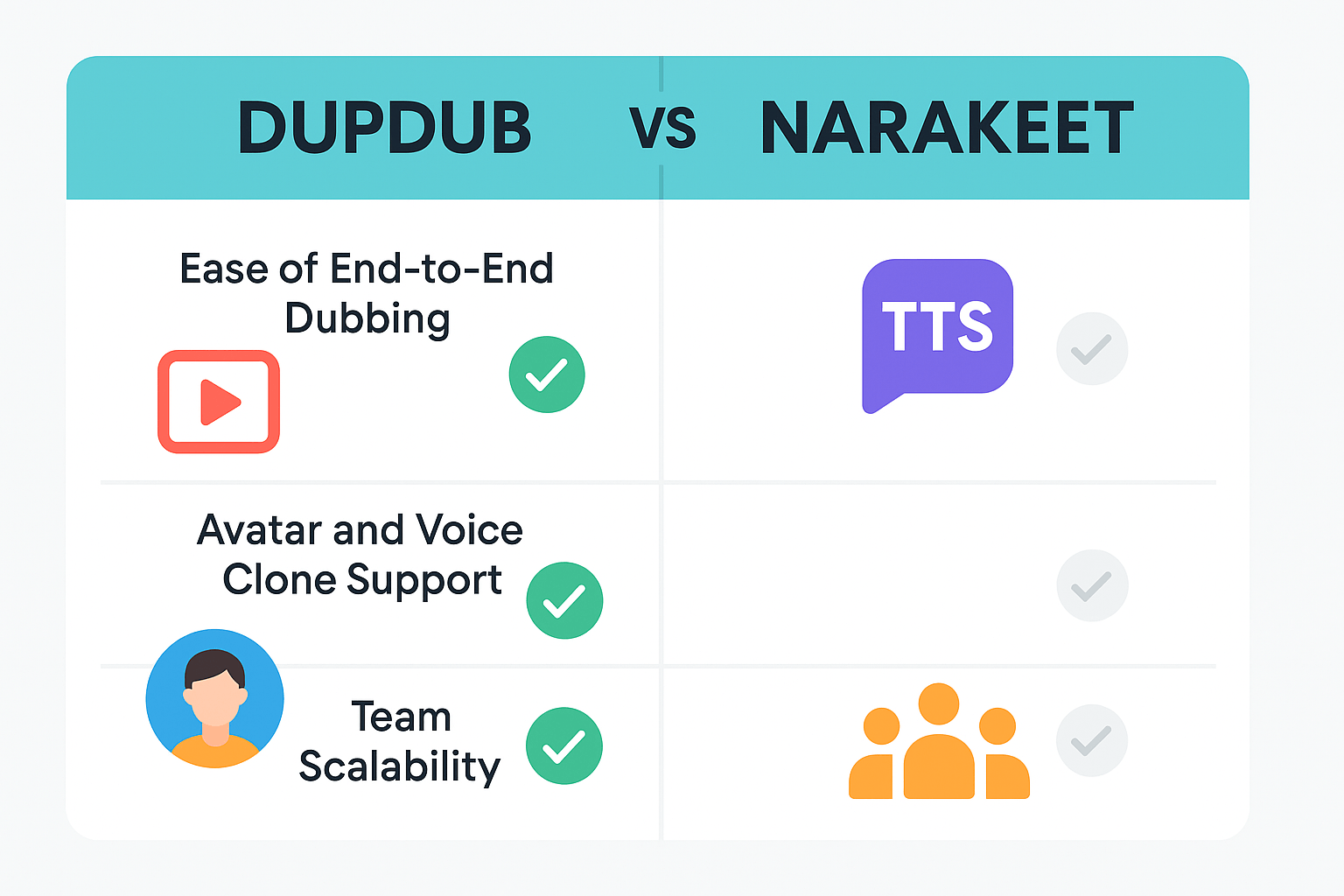
Side-by-side feature comparison: DupDub vs Narakeet
Core audio and language coverage
|
Feature
|
DupDub
|
Narakeet
|
|
Voices & languages
|
700+ voices, 90+ languages
|
Robust TTS, fewer voices
|
|
Voice cloning
|
Yes, 30s sample, 47 languages
|
Limited or no built-in cloning
|
|
Avatars & talking photos
|
Yes, 40+ languages
|
No native avatar studio
|
|
Video dubbing & subtitle alignment
|
End-to-end dubbing, auto-sync
|
Strong subtitle tools, simpler dubbing
|
|
STT / transcription
|
40+ languages
|
Accurate transcription, fewer languages
|
|
Exports & integrations
|
MP3/WAV, MP4, SRT, API, Canva
|
MP3/MP4, SRT, integrations focused on video
|
|
Security & privacy
|
Cloning locked to speaker, encrypted
|
Enterprise options, varying policies
|
How the differences map to workflows
Pricing and plan breakdown (clear decision guidance)
Quick plan snapshot
-
Free trial: 3 days, 10 starter credits, no card required. Good for testing voices and a short project.
-
Personal ($11/month, billed annually): Starter creators, ~1,800 credits per year, 3 voice clones, basic export limits.
-
Professional ($30/month, billed annually): Small teams, 6,000 credits, more transcription and avatar hours, larger file limits.
-
Ultimate ($110/month, billed annually): Enterprise-scale credits, expanded cloning and export limits.
-
Pay-as-you-go: One-time credit packs for occasional users.
Pick a plan by role
-
Educators and solo creators: Start with the free trial, then Personal for steady course work.
-
Marketers and agencies: Professional fits regular localization and multi-voice campaigns.
-
Localization teams and enterprises: Ultimate or custom credits for scale and API access.
How to get started with DupDub, a step-by-step guide (3–5 minute first project)
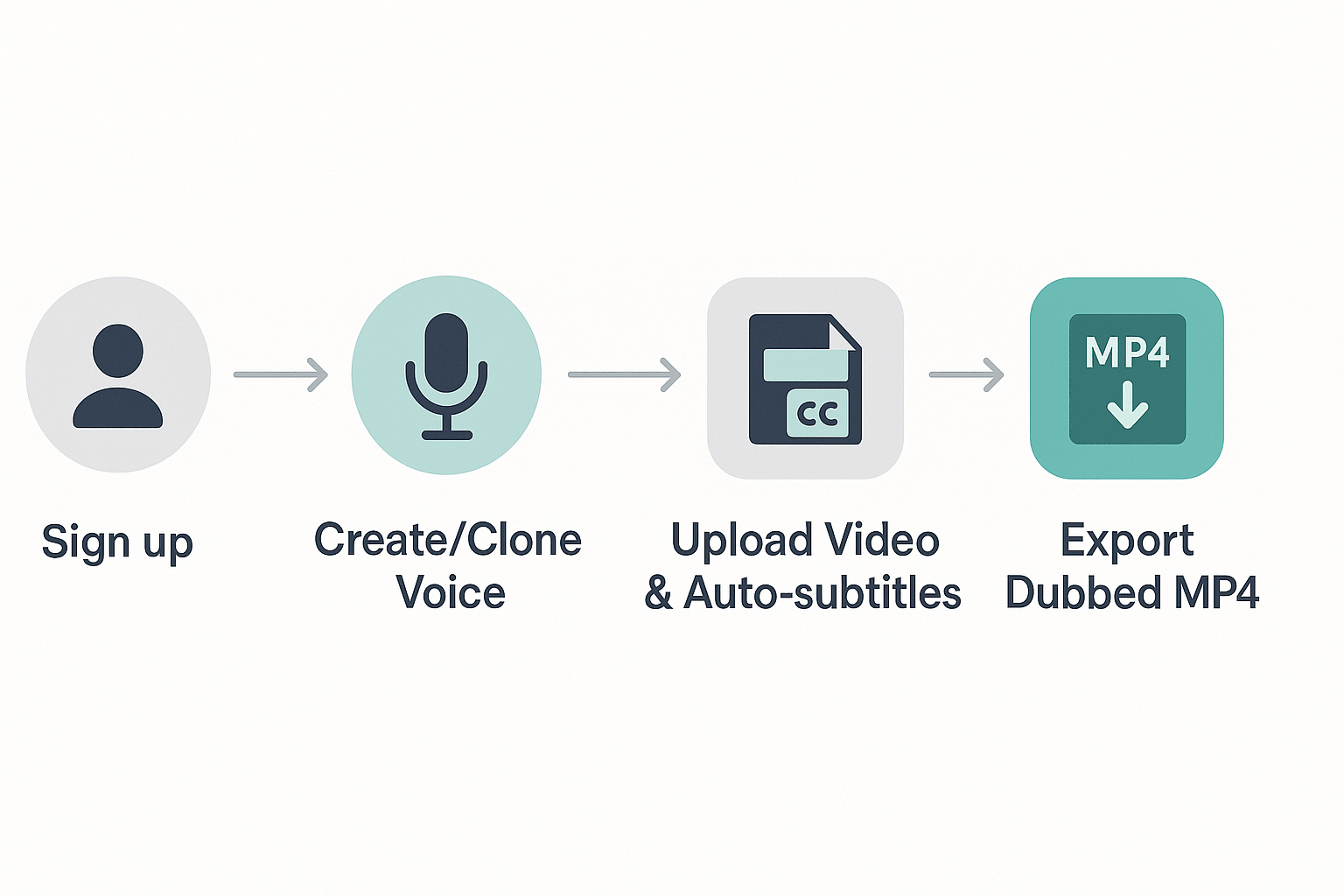
Fast 4-step walkthrough
-
Sign up and start the free trial. Create an account, accept the trial, and open the studio.
-
Create or clone a voice. Use a sample clip or pick a natural preset from the 700+ voices. Name the voice so you can reuse it.
-
Upload a 30–60 second clip and auto-generate subtitles. Let DupDub transcribe and translate, then use the subtitle alignment tool to nudge timing if needed.
-
Produce and export MP4. Choose the cloned voice, preview the dub, then export MP4 with embedded subtitles.
Practical tips
-
Choosing voices: pick a style close to your speaker, then tweak pitch and speed slightly.
-
Uploading: MP4 or WAV works, keep clips 30–60 seconds for a quick test.
-
Sync: use subtitle shift controls to fix lip-sync in seconds.
-
Export: select MP4, check audio bitrate 192 kbps for speech clarity.
Security, privacy & accessibility — what to know
Voice cloning safety and data handling
Captions and WCAG friendly localization
-
Use readable captions with speaker labels and sound cues.
-
Review machine translations and alignment for context and timing.
-
Publish plain-text transcripts and descriptive metadata for search and assistive tech.
Real-world use cases and brief customer stories
Use cases and customer quotes
"We translated our instructor-led courses into four languages in one week. DupDub cut production time and kept instructor tone consistent." — Learning Lead, SaaS training team
"Our holiday campaign launched in six markets without studio recording. We cut dubbing costs and expanded reach with the same creative assets." — Head of Growth, ecommerce brand
"Localization used to delay product launches by days. Now we publish region-specific videos the same day using locked voice clones." — Senior Localization Manager, media company
Pros, cons, and when to pick DupDub over Narakeet
Pros: DupDub strengths
-
Multilingual TTS at scale, 90+ languages and 700+ voices, for fast localization.
-
End-to-end AI dubbing with subtitle alignment and export as MP4.
-
Voice cloning and avatars let teams keep a consistent brand voice.
-
Browser-based studio and API for automated team workflows.
Cons: limitations to know
-
Free and lower tiers have credit and file-size limits.
-
Enterprise compliance claims need formal validation for some buyers.
-
Advanced custom integrations may require API work.
When to pick DupDub vs Narakeet
FAQ — common questions, troubleshooting & next steps
-
Trial limits for narakeet free text to speech
DupDub offers a 3-day free trial with starter credits and no card required. Use those credits to test TTS, dubbing, and a voice clone sample, then upgrade if you need more hours or exports.
-
Pricing and plan comparison for TTS and dubbing
Plans scale by yearly credits and features: Personal, Professional, and Ultimate, plus pay-as-you-go. Check the plan details to match export size, clone count, and transcription hours to your project.
-
Is voice cloning legal and safe to use
Cloning is legal with consent. Only clone voices you own or have explicit permission for, and follow local laws and platform policies.
-
Fixing audio sync problems in AI dubbing
Common causes are incorrect subtitle timing or frame rate mismatch. Re-run subtitle alignment, export at the original frame rate, or re-sync in the editor.
-
Export fails or low audio quality
Try increasing bitrate, switching WAV for final exports, or rendering again after disabling background effects. If issues persist, check file name length and retry.
-
How is my voice data protected
Cloned voices are locked to the original speaker, processed with encryption, and not shared with third parties. For enterprise needs, request a compliance review.
-
Where to go next: docs, demo, or roadmap updates
Start a 3-day free trial, request a demo, or read the API docs to automate workflows. See Product Roadmap & Releases and explore related how-to posts for step-by-step guides.

 Discord
 YouTube
 Tiktok
 Twitter
 Facebook
 Instagram