


TL;DR — Key takeaways
What is zero‑shot TTS and how it contrasts with fine‑tuned voice generation
Technical premise: generalization versus fine-tuning
Key terms explained
-
Neural TTS (text-to-speech): a neural model that converts text to speech with learned prosody and timbre. It’s the core tech for both workflows.
-
Voice cloning: creating a synthetic voice that matches a real person. Cloning can be done zero-shot or via fine-tuning.
-
Zero-shot voice transfer: using a single reference to transfer speaker characteristics to new text without per-speaker training. According to U-Style: Cascading U-nets with Multi-level Speaker and Style Modeling for Zero-Shot Voice Cloning (2023) Zero-shot speaker cloning aims to synthesize speech for any target speaker unseen during TTS system building, given only a single speech reference of the speaker at hand.
Why the distinction matters: latency, samples, fidelity
-
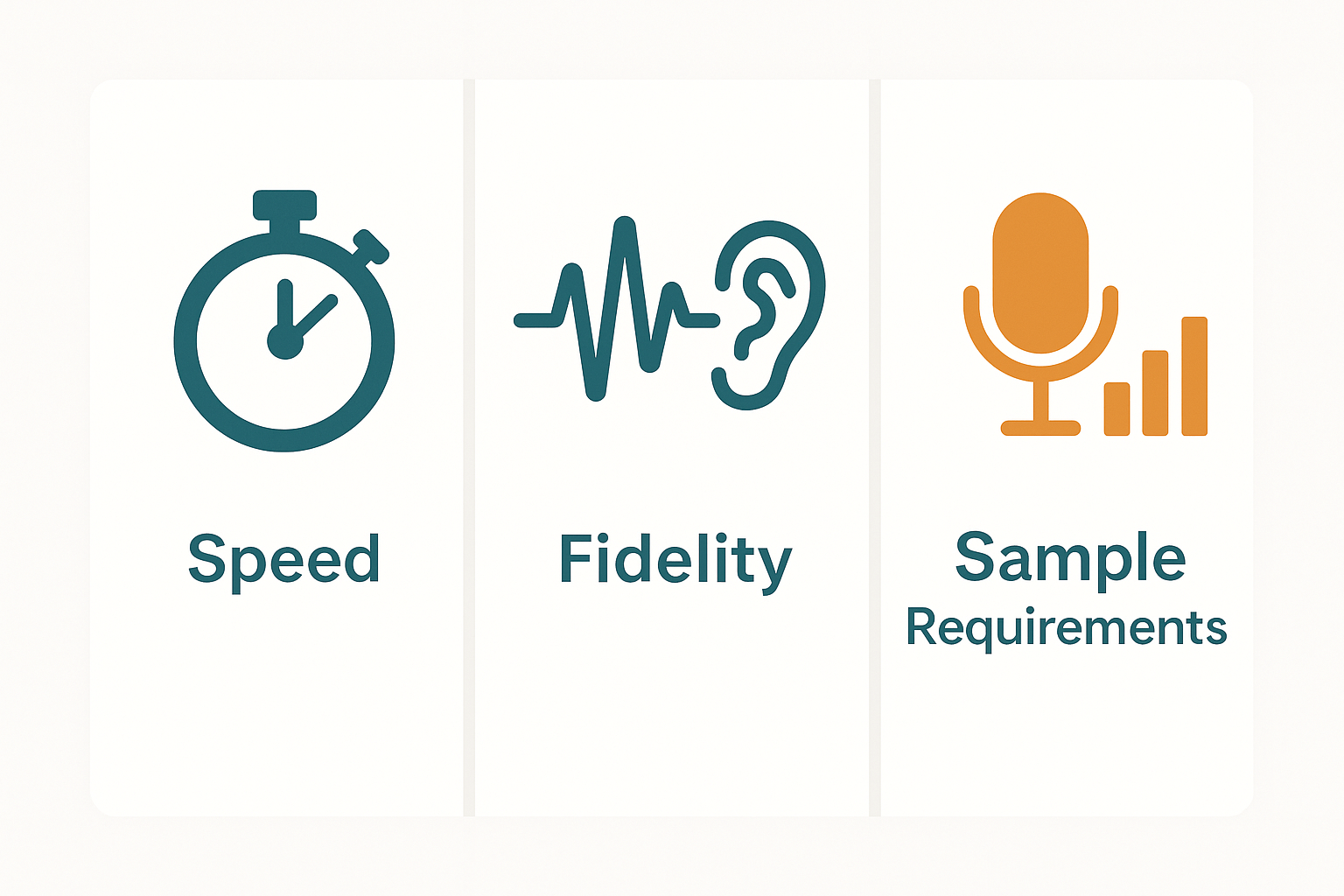
Latency: zero-shot is faster to deploy, no per-voice training step. Fine-tuned models add training time before production.
-
Sample needs: zero-shot can work with 10–30 seconds of audio. Fine-tuning often needs minutes to hours of clean speech.
-
Fidelity and consistency: fine-tuned voices usually score higher for naturalness and stability. Zero-shot can be flexible but may vary across prompts.
Product modules mapped to workflows
-
Zero-shot workflow: use the TTS engine with the built-in fast cloning option (one short sample) and the dubbing pipeline for subtitle alignment and re-voicing. The API handles batch jobs and language routing. This path is fast and needs minimal setup.
-
Fine-tuned workflow: start with the voice cloning studio and provide more recordings. Then use the TTS module with the custom voice model. Use the dubbing tools for frame-accurate lip sync and the API for CI/CD or large-scale localization. This path gives higher fidelity and consistent tone.
Architecture note: sample upload, clone, synthesize, localize
-
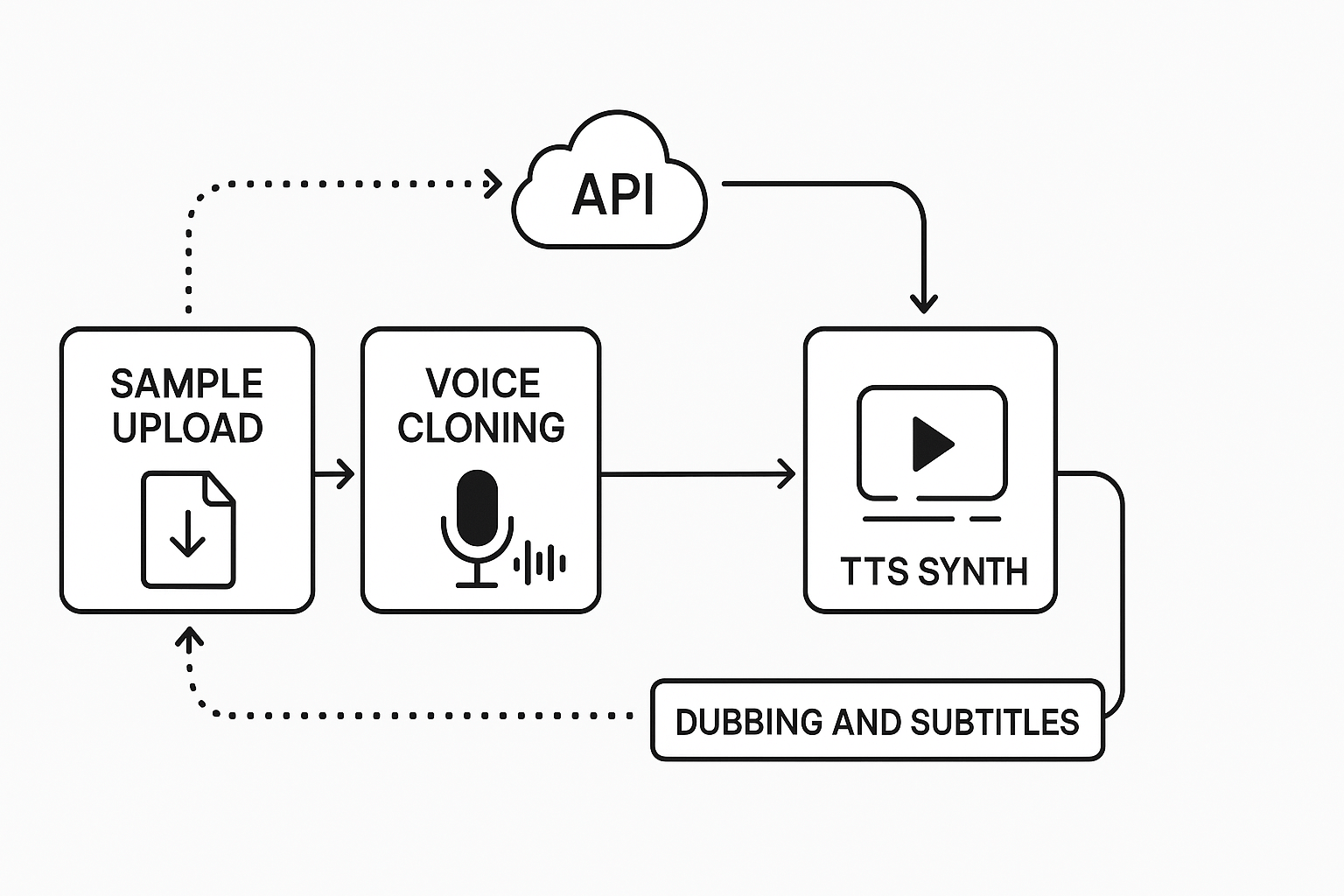
Upload sample: user uploads audio or video sample in the browser or via API. Keep samples clear and noise-free.
-
Create voice clone: the cloning module builds a synthetic voice from the sample. For fine-tuning, upload more diverse clips.
-
Synthesize: TTS renders text into audio using the cloned voice or a stock voice. Adjust style and pacing.
-
Localize and dub: the dubbing module aligns subtitles, translates text, and re-voices video. The API ties these steps into automated pipelines.
Operational limits and tradeoffs
-
Languages and voices: TTS supports 90+ languages and 700+ voices. Voice cloning supports 47 languages.
-
Sample length: quick clones can be made from about 30 seconds. Fine-tuning benefits from multiple minutes of clean speech.
-
Speed and latency: zero-shot cloning and short TTS runs finish in seconds for small clips. Fine-tuned training and batch localization take longer, minutes to hours depending on volume.
Use cases: choosing zero‑shot vs fine‑tuned — a decision guide
Creators: YouTube localization and quick repurposing
Product managers: enterprise brand voice and scale
Clinicians and accessibility advocates: voice restoration and therapy
-
YouTube localization, many videos, limited time: zero-shot TTS (DupDub dubbing + auto-subtitles).
-
Podcast network, fixed host voice, brand consistency: fine-tune or voice clone, then use DupDub TTS for scale.
-
Accessibility voice for a single patient, sample available: fine-tune with strict consent and encrypted storage.
-
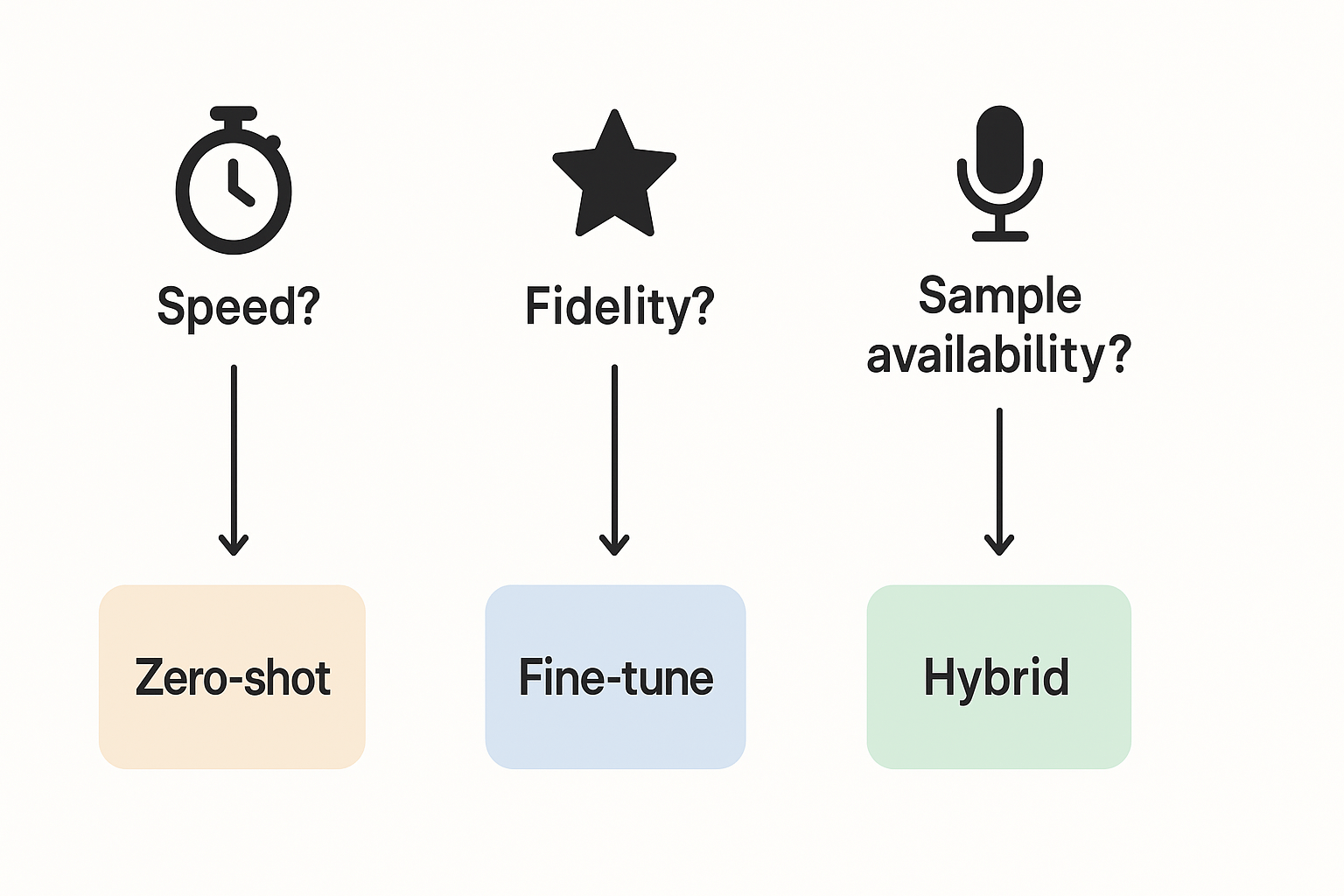
Need speed or immediacy? If yes, go zero-shot. If no, go to 2.
-
Is high speaker fidelity essential? If yes, fine-tune. If no, hybrid: use zero-shot for volume, fine-tune for core assets.
-
Speed: zero-shot is fast, low prep, lower sample needs.
-
Fidelity: fine-tuned cloning is slower and costlier, but yields higher similarity and brand control.
Performance, evaluation & benchmarks: what to measure and expect
Key metrics to track
-
Mean Opinion Score (MOS): a listener-rated naturalness score on a 1 to 5 scale. Higher is more natural. Use 15+ raters and balanced prompts.
-
Speaker similarity: a perceptual score or objective embedding distance. It shows how close a synthetic voice sounds to the target speaker. For voice clones, aim for high perceptual match, above 0.7 on many scales.
-
Word Error Rate (WER): measures intelligibility via ASR. Lower WER means clearer speech. WER captures mispronunciations and omissions.
-
Latency and throughput: time to synthesize a segment and concurrent capacity. Low latency matters for live features and on-device use.
Compact benchmark table
|
Approach
|
Naturalness (MOS)
|
Speaker similarity
|
WER (%)
|
Latency (ms)
|
|
Zero-shot (no fine-tune)
|
3.2 to 4.0
|
0.4 to 0.6
|
8 to 15
|
50 to 300
|
|
Fine-tuned model
|
3.8 to 4.4
|
0.7 to 0.9
|
4 to 10
|
80 to 400
|
|
Hybrid (seed + light fine-tune)
|
3.6 to 4.2
|
0.6 to 0.8
|
5 to 12
|
60 to 350
|
Design fair A/B and listening studies
-
Define hypotheses, sample size, and success thresholds. Pick MOS and similarity targets.
-
Randomize audio order across listeners. Use at least 20 listeners per condition.
-
Blind test voices and use balanced prompts across styles.
-
Collect MOS, pairwise similarity, and open feedback.
-
Measure WER with the same ASR model for all samples.
-
Log end-to-end latency and CPU/GPU costs.
Deployment, privacy, safety and ethical considerations
Privacy and consent: lock voices and encrypt data
Safety and misuse mitigation: watermark and monitor
Enterprise requirements and regulatory constraints
-
Record explicit, auditable consent for each voice clone.
-
Use voice locking and strong encryption keys.
-
Apply watermarking and logging for all generated audio.
-
Contract SLAs and confirm data residency rules.
-
Run clinical validation and ethics review for medical workflows.
Ethical note for accessibility projects and clinician workflows
Step‑by‑step implementation with DupDub (no-code + API primer)
No-code: clone a voice and synthesize localized audio
-
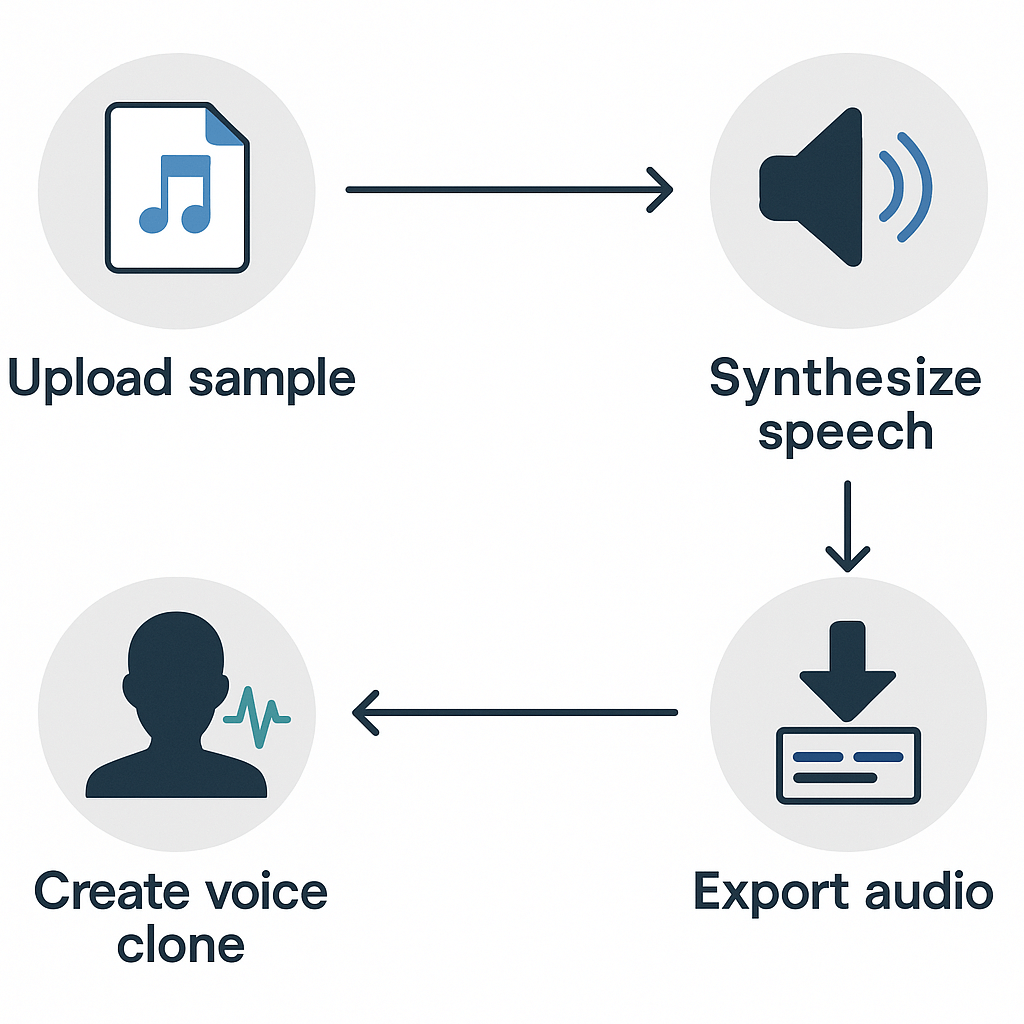
Sign up and start a trial. Create a free DupDub account, open the Studio, and pick the Voice Cloning tool. You’ll get starter credits for testing.
-
Upload the sample. Provide a clean 30-second voice sample (WAV or MP3). Label the speaker and language. Keep background noise low.
-
Create the clone. Name the clone and select target languages. Cloning takes a few minutes.
-
Prepare the text to speak. Paste your script or import a transcript, then choose voice clone and language for localization.
-
Synthesize and review. Click generate, listen, and tweak speed or emotion settings.
-
Export. Download MP3 or WAV, or export an MP4 with subtitles for video. You can also save the clone for reuse.
API primer: sequence and minimal example
-
Upload sample: POST
https://api.dupdub.com/v1/uploadsHeaders:Authorization: Bearer YOUR_API_KEYBody: multipart form withfile=@speaker.wavResponse: includesupload_id -
Create clone: POST
https://api.dupdub.com/v1/voice-clonesHeaders:Authorization: Bearer YOUR_API_KEY,Content-Type: application/jsonBody:{ "upload_id": "UPLOAD_ID", "name": "MyClone" } -
Synthesize text: POST
https://api.dupdub.com/v1/ttsHeaders:Authorization: Bearer YOUR_API_KEY,Content-Type: application/jsonBody:{ "clone_id": "CLONE_ID", "text": "Hello world", "language": "en-US", "format": "wav" }
Scaling tips and file constraints
-
Batch processing: queue uploads and synthesis jobs, and parallelize by user or project. Use worker pools and observe rate limits.
-
File limits: samples should be 16–64 MB for best reliability; prefer 16k–48kHz WAV format. Shorter, clean samples enable faster cloning.
-
Credits and throttling: understand DupDub credits per job type and track usage per user to manage quotas.
-
Error handling: implement retries for transient 5xx errors with backoff; log failed job IDs for troubleshooting.
Best Practices, Common Pitfalls and Troubleshooting
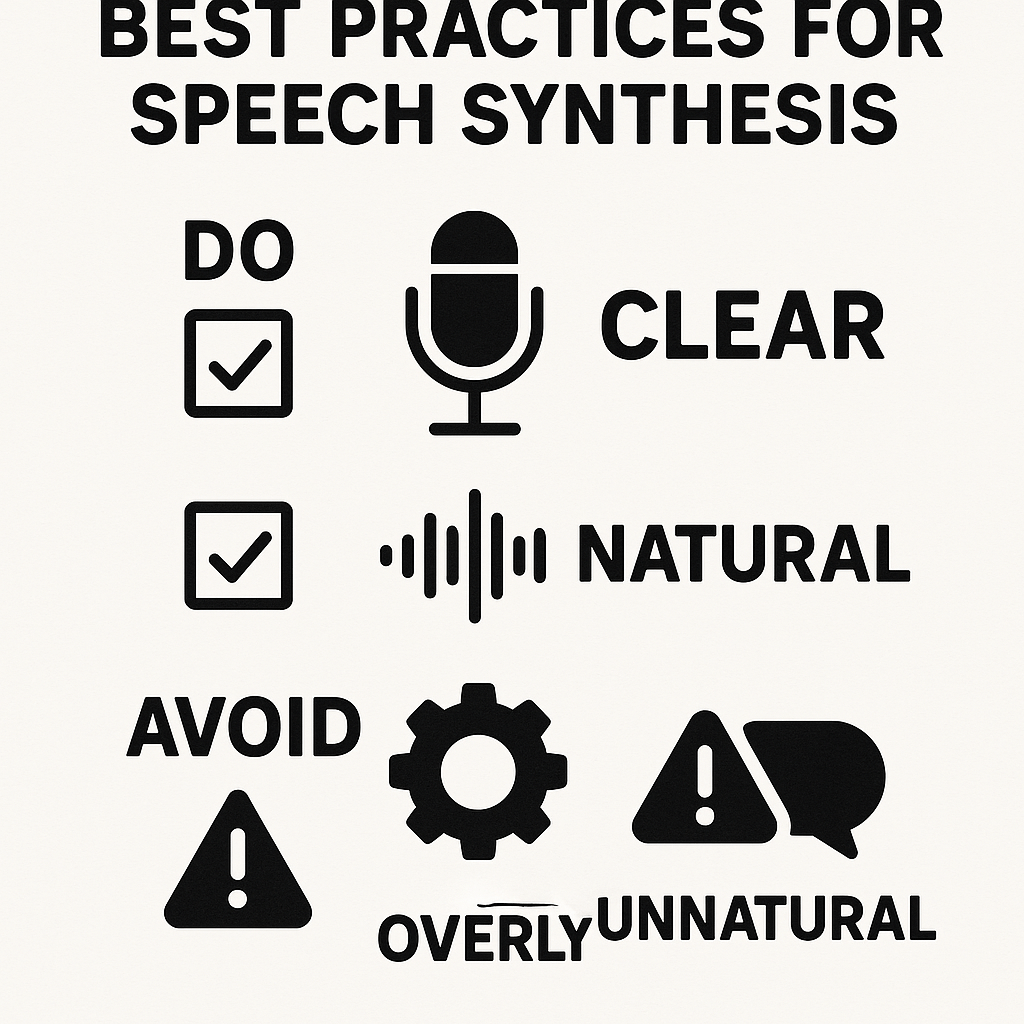
✅ Best Practices
-
Use High-Quality Reference Audio: Clean, studio-quality recordings at 16–24kHz help ensure better voice matching.
-
Control Your Prompting Context: Keep prompts consistent and include stylistic guidance and speaker intent where supported.
-
Logging and Versioning: Track prompt inputs, configuration changes, and audio outputs to identify what improves or degrades performance.
-
Apply Consistent Evaluation: Create comparison sets of outputs to rate naturalness, speaker similarity, and intelligibility side by side.
-
Experiment with Decoding Parameters: Adjust
temperature,top_pandrepetition_penaltyto stabilize or diversify speech.
⚠️ Common Pitfalls
-
Overfitting on Small Datasets: Use a validation split and techniques like data augmentation, freezing base layers, and early stopping.
-
Inconsistent Sampling Rates: Mismatched input/output sample rates often cause aliasing or distorted spectrograms.
-
Ignoring Style Transfer Limits: Not all models handle emotion or highly expressive speech reliably.
-
Language or Accent Drift: Non-native phoneme inputs may produce unnatural outputs if tags or prompts aren’t tuned accordingly.
🛠️ Troubleshooting Quick Checklist
-
Are the correct locale/language tags used?
-
Does the reference audio match the output sample rate?
-
Is clipping or noise present in the input or output?
-
Are decoding params like
temperatureaffecting consistency? -
Check over time—did a recent model update or config change impact quality?
FAQ — common questions about zero‑shot TTS, fine‑tuning, and DupDub
-
How long does voice cloning take with DupDub (turnaround time for a clone)?
DupDub can produce a usable voice clone from a 30-second sample in minutes for standard processing. If you fine-tune, add approvals, or request manual checks, expect extra time for quality review.
-
Is zero-shot TTS as good as fine-tuned voice generation for production?
Zero-shot TTS is fast and works with very little data, making it ideal for demos and quick localization. For highest speaker similarity, expressive control, or restored voices, fine-tuned models usually outperform zero-shot.
-
Can I use cloned voices commercially, what are the licensing rules for DupDub voice cloning?
Commercial use is allowed when you have the speaker's consent and follow DupDub terms of service and rights policies. Enterprise plans offer custom licensing and contract language for large-scale or sensitive use.
-
Where do I get support, pricing, API docs, or request an enterprise demo from DupDub?
Find support, pricing details, and API documentation in your DupDub dashboard or account center; contact sales to request an enterprise demo or custom evaluation. You can also start a free trial from the DupDub site to test workflows directly.

 Discord
 YouTube
 Tiktok
 Twitter
 Facebook
 Instagram